Top Cybersecurity Developments for 2026
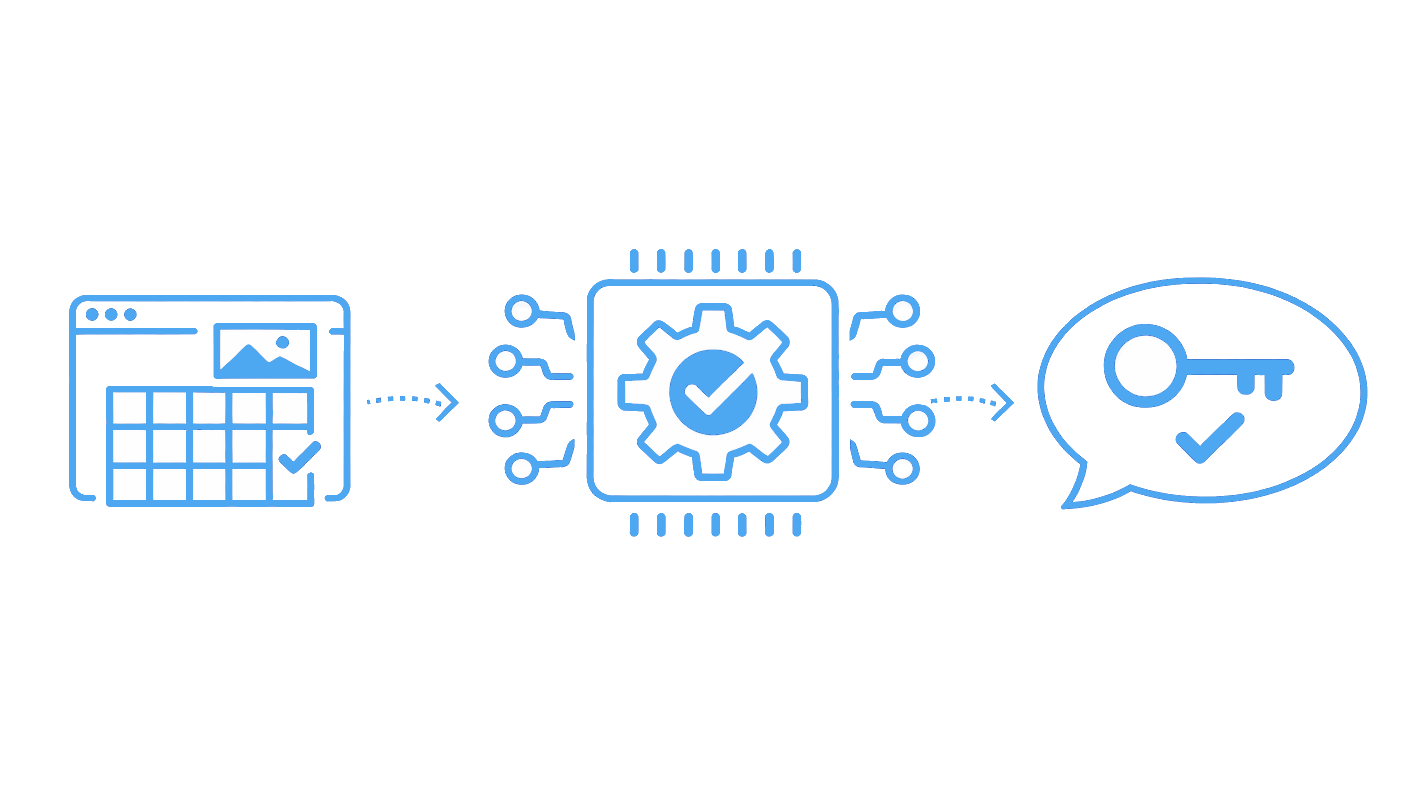
Image to text complimentary: convert images to text instantly with our OCR tool. Drag and drop files here, or click the button listed below Supports JPG, PNG, BMP, TIFF, GIF, PDF, AI, PSD, RAW, and more Max 10 MBUpload up to 10 files at when Max 10 tasks in queue Supports 30+ image and document formats Pick Files Paste from Clipboard Start OCR Processing Ready to process 0 files Upload images to begin transforming image to text free Image to Text Free is a quickly, precise and 100% free online OCR tool that converts images, PDFs and scanned documents into editable text.
Powered by AI OCR and multilingual models, it provides high accuracy without sacrificing speed. Drag and drop images or PDFs into the upload location, or click "Choose Files" (batch upload supported).
Click "Start OCR Processing". Processing operates on your device and normally ends up in 13 seconds per image. Copy the acknowledged text in the outcome window, or download it as a TXT declare further modifying. Idea: For best accuracy, capture documents with good lighting, sharp focus, and horizontally lined up text.
Optimizing CAPTCHA Resolution Infrastructure
Advised max 10 MB per file. Robust handling of mixedlanguage text, numbers, symbols, and common solutions.
We do not share your files or extracted content with 3rd parties. Your data is managed with care and in accordance with our service operation needs.
Free online OCR upload any image or PDF and instantly convert it to editable text. No signup, no limits, operates in your web browser. No account, no installation, no waiting. Works with images, screenshots, scans and PDFs. 01 Drag and drop an image or PDF onto the tool, or click.
XEvil 5 captcha solver02 If the image is dark, faded, or low contrast, utilize the and sliders in the sidebar. Attempt the or filters for scanned documents. Rotate if the image is sideways. 03 Click. Results appear in seconds. Usage for plain text or switch to output to maintain tables and format before copying or downloading.
Critical Cybersecurity Developments for 2026
It reads text from pictures, scans, and screenshots the very same way a human would, then transforms it into editable characters you can search, copy, and paste anywhere. usages as its primary engine, which applies deep learning to acknowledge characters across layouts, font styles, and languages with high accuracy. For cases where a regional fallback is needed or when personal privacy is the top priority the tool switches to, a free OCR engine that runs totally in your internet browser without any server contact at all.
It comprehends context identifying a zero from the letter O, recognizing Arabic right-to-left scripts, identifying table rows and columns, and checking out printed numbers accurately. Accuracy on clean images typically surpasses. On lower-quality scans, the brightness and contrast tools constructed into this complimentary OCR online tool can recover the majority of what would otherwise be missed.
What secondhand to take an hour of manual information entry takes seconds. Compress the image first if the file size is large for faster processing. Photographed white boards notes, scanned textbook pages, or screenshots of presentation slides all become searchable, editable text in seconds. Trainees use this to build modification notes without retyping, or to pull quotes for citations accurately.
OCR converts them into searchable text so specific clauses, dates or reference numbers can be found immediately. Error messages, app alerts, website material you can not select, or text in videos any screenshot with readable text can be transformed quickly.
OCR precision depends greatly on image quality. These adjustments all developed into this tool make the biggest distinction on difficult images. Old receipts, copies and paper clippings frequently have low contrast in between text and background.
XEvil 5 captcha solverReliable Proxy Gateways for Speed
Changing to the filter eliminates colour sound and lets the engine focus purely on the text shape. Screenshots with dark mode made it possible for, whiteboard images, or discussions with light text on dark slides all produce bad OCR results unless inverted.